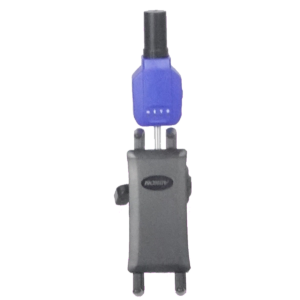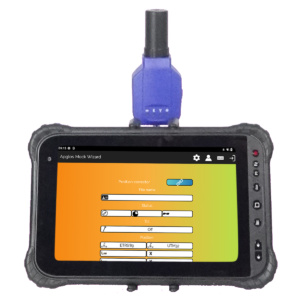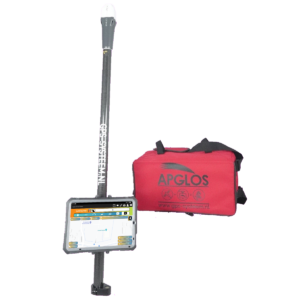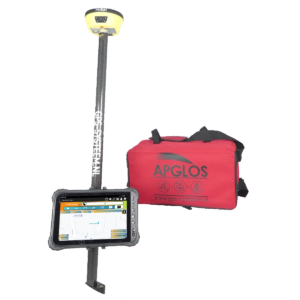
Measuring with a GPS measurement system is easy. Yet taking the first step can be tricky. That's why we have created some video instructions for you. After watching these video instructions, you will see that it is easy to work with one of our GPS measuring systems.
Preparing to measure with a GPS stick
In this video, you will see what all you need to bring with you to start measuring with a GPS measuring stick and what else you need to do so that you can do your measuring project properly.
Preparation of a GPS measuring stick
Learn how to assemble the GPS measurement system here so you can quickly use the GPS system in the field.
Connecting to the GNSS receiver
To get a centimeter-accurate position in the Apglos Survey Wizard software, you must connect to the GNSS receiver. Watch the video on how best to do that.
Easily measure GPS
The video shows you how to easily measure points, lines, arcs, polylines and planes with a GPS measurement system.
Storing GPS measurement data
After you have measured, it makes sense that you would want to save the GPS measurement data. Watch the video and see how to do this easily.
Opening files in the GPS measurement system
You can also open files in the GPS measurement system so that you can continue measuring or plotting objects. The video shows you how to do this easily.
Simple plotting
Designs can be plotted with our GPS measuring sticks. We explain this easily in the video below.
 Want to schedule a demo? You can do that through whats!